Species sheet

Once ordinary house mice, the Minikin were born when Lady Elara's final spell pulled Lockheart Manor out of time and transformed their hearts into clocks. Now, the Minikin navigate an opulent, abandoned estate filled with spectral cats and Elara's secrets, scavenging for fragments of the past to keep their hearts, and the Manor itself, from winding down.
Required Features (untraited): Clock Heart, Windup Key
(Visual Trait Guide) Required Trait Categories: Ears, Tail, Windup
Design Rules
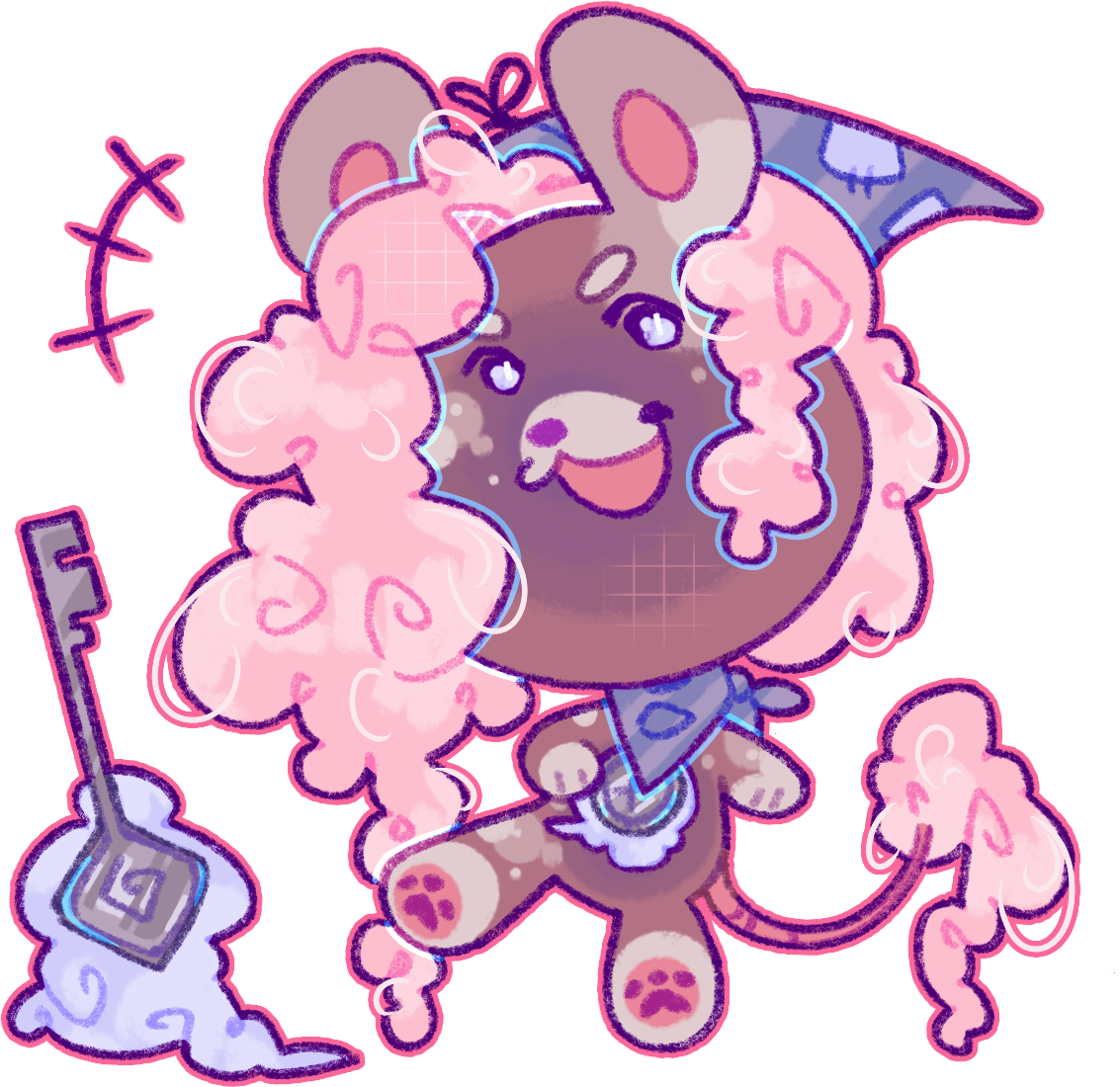
- The clock and key must both be visible in the reference. If the windup key is located on the back and hidden by the character's pose, a separate reference/cutaway showing the key is required. Cutaway references should not be attached to other objects for the sake of clarity.
- The clock must be located on the character's chest, which loosely refers to center of the upper body. The image shows a character with the maximum sized clock.
- You are free to use whatever design you like for the eyes, fur stylization (including hair), markings, clothing, and accessories.
- Visible disabilities such as missing limbs can be applied freely.
- Anatomical changes are not permitted without specific traits.
- You must select one trait for every required category (Ears, Tail, Windup Placement) during submission.
- By default, a Minikin MYO grants access to all Copper traits. To use rarer traits (Silver, Gold, Wisteria), you must apply the appropriate Treats in the Add-ons section.
- CBC/IP-inspired designs or character imports must be clearly identified in the comments. Please refer to the Terms of Service for additional rules.
- Designs must be SFW, and may not be sexualized or suggestive.
- Designs may not promote harmful, hateful, or controversial content.
Reference Requirements
Maximum Image Size: 1500 x 1500 px

- The image must be a clear fullbody on a clean background.
- All traits must be clearly distinguishable. If your style does not allow for this, please provide a small, flat-colored cutaway on the same image.
- Clothing and accessories are allowed, but must not mimic body traits.
- If clothing covers a specific trait, a cutaway reference is required.
- All accessories must be attached to the character in a logical way. The image shows a character with logically attached clothing and accessories.
| Allowed | Prohibited |
|---|---|
|
|
MYO Submission Process
See the MYO Submissions Guide for a visual walkthrough!
Submitting your own design requires a MYO Ticket. MYO Tickets can be obtained at any time from the General Shop or Ko-Fi Shop!
- Open a Request: Go to your MYO Slots, select your slot, and click 'Submit MYO Design'.
- Comments: List any items used to add rare traits (e.g., "Silver Scone: Used for Chinchilla Ears").
- Add-ons: Attach the physical items (e.g., Silver Scone x1) from your inventory that correspond to the traits you used.
- Traits: Carefully select every trait used from the dropdown menu. Ensure the Rarity matches the rarest trait.
Redesigning
Design edits are possible after a Minikin is uploaded! Minor changes (fur style, tiny color shifts) can be done for free, while total overhauls require the Reset Rum-Baba.
Free Changes (No Items Required):
- Stylizing fur length or body build (as long as it doesn't change a trait).
- Changing accessories or clothing.
- Minor color changes, such as subtle tinting.
 Art by